
My opinion about Canva: Photo Editing for Blog & Social Networks
This article is NOT sponsored
Today, I’m going to present you a free photo editing tool that I’ve been using for months. I’m very happy with it and think that everyone, especially bloggers/influencer, should know more about it because it’s so handy.
As I am not artistically gifted in visuals, it is very hard for me to do photo montages properly. Even if you give me a free Photoshop license, I wouldn’t know what to do with it and I’m going to produce something ugly.
But some articles require photo montages, or at least propose a more or less visual forward image. So I used PowerPoint (don’t laugh, it’s true), which gives pretty good stuff like these :

eDC mini-kit for around the world 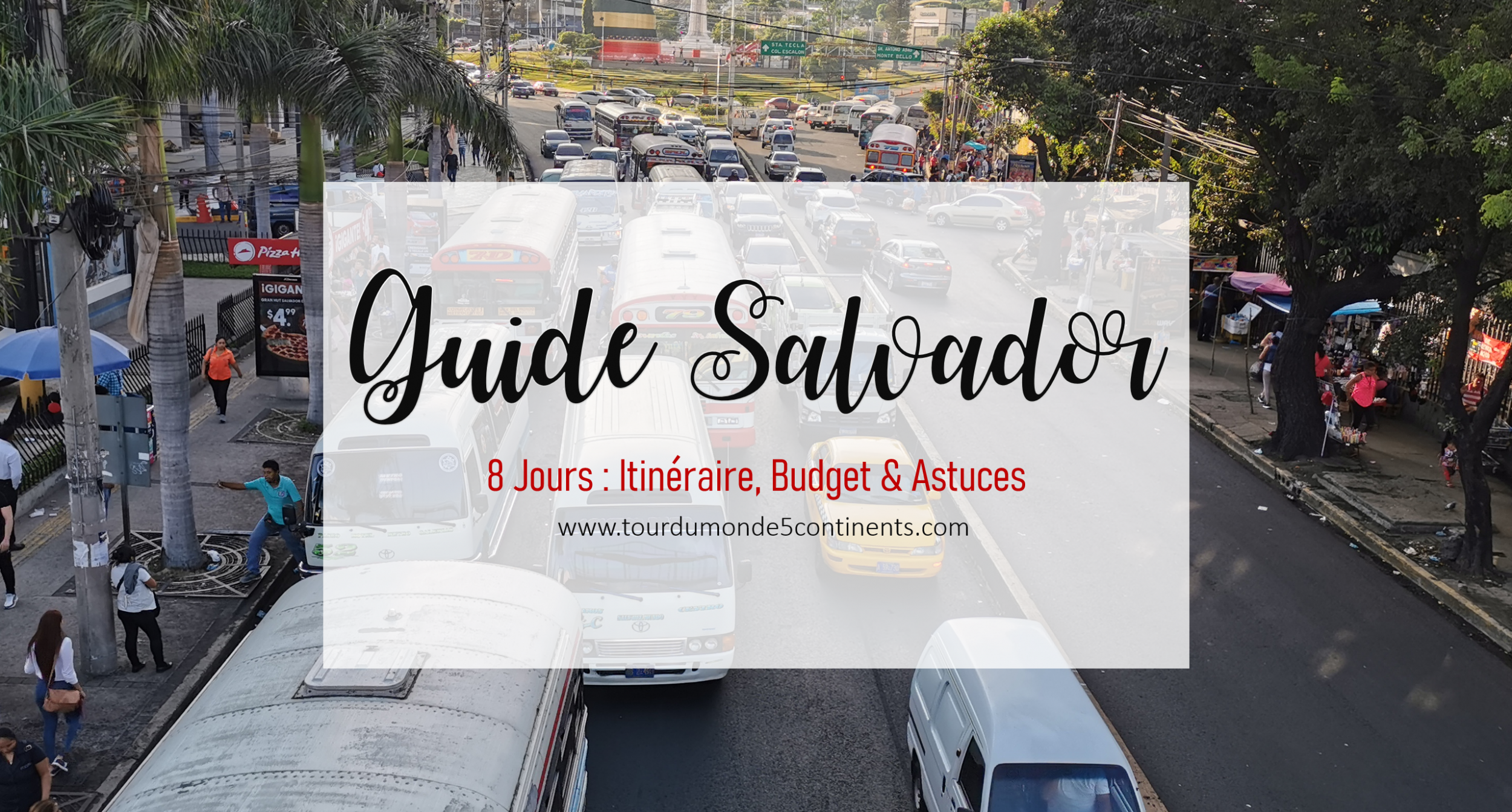
However, with the different social networks (Facebook, Instagram, Pinterest, YouTube) to maintain, and each format has its own specs, I get completely lost in it and don’t know if I should make a square banner, or 16:9, or 3:4… BRIEF.
That’s where I discovered Canva, a 100% free online tool.
Just create a free account and search for the type of project you want.
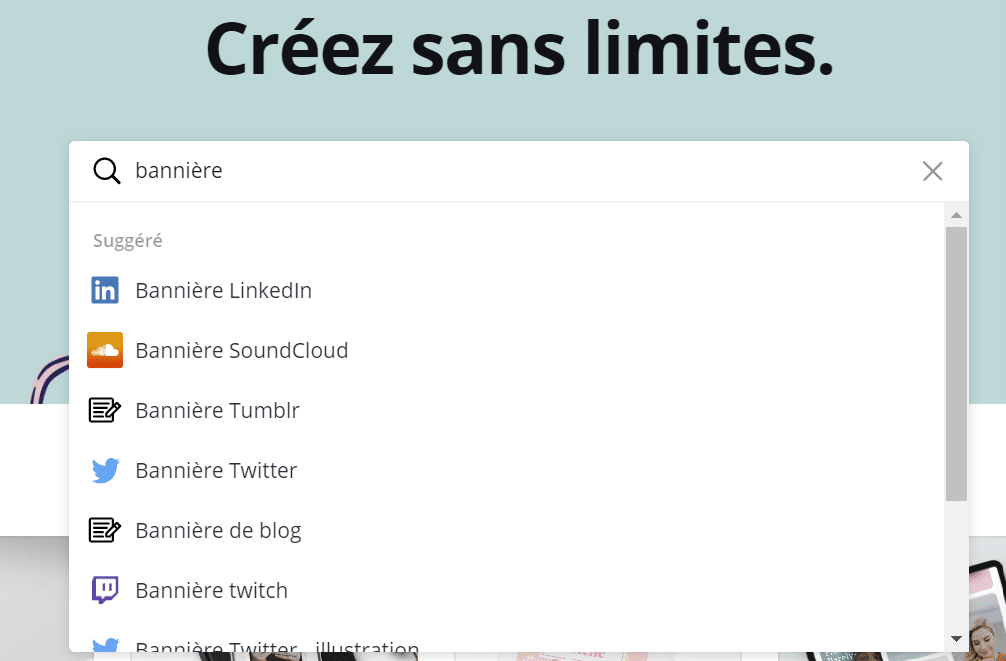
For example if I choose “blog banner”, I will be offered a banner with perfect dimensions. And I just have to choose the model that suits me.
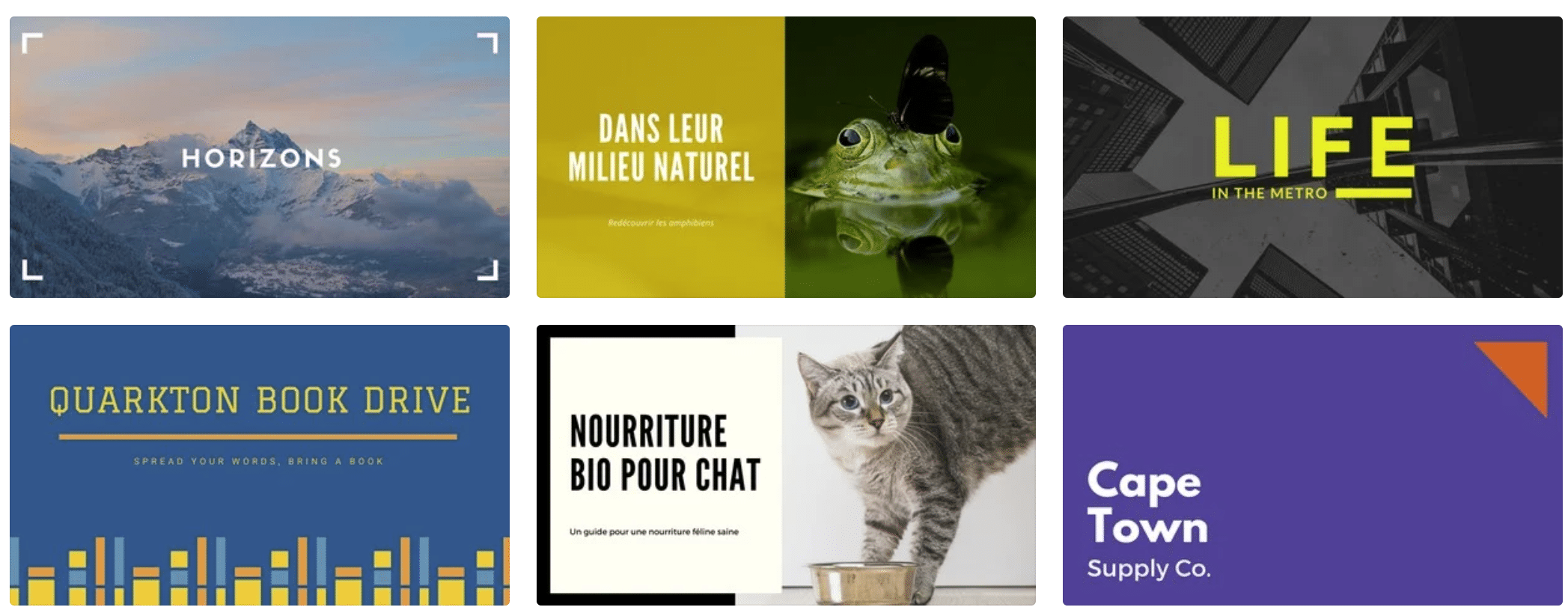
So there are free and paid models. There are free and paid elements.
For example, these text & typography templates are free. If it was paying, we would have had the “pro” logo or the crown icon on it.
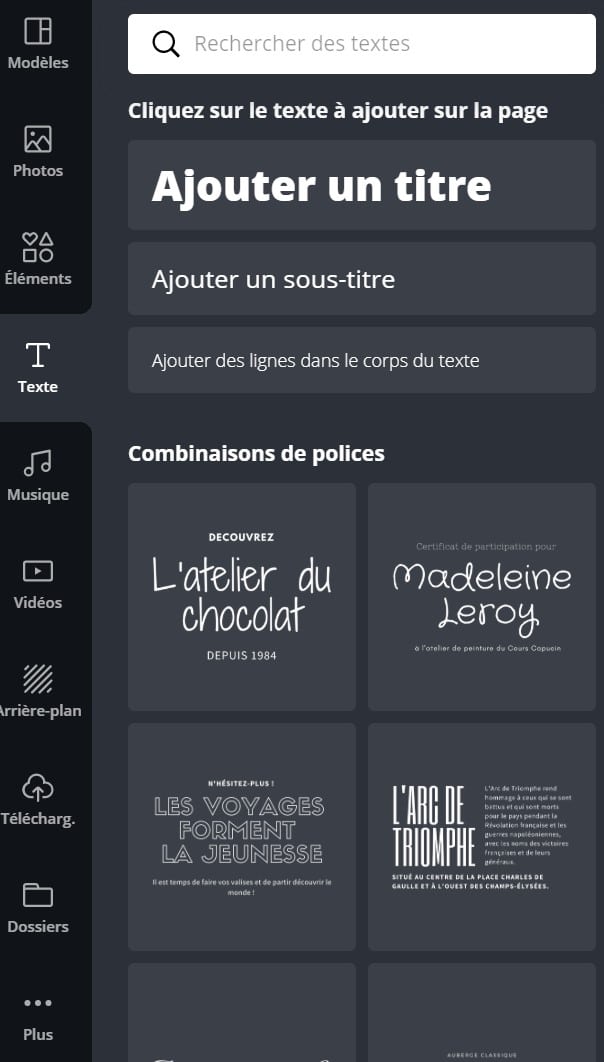
You buy a certain number of credits that you can use to buy the paid items in question (it’s not very expensive, about $1).
Personally, I’ve never had to pay for anything.
Because there is a lot of choice in the free elements. Even the pictures to illustrate are offered for free but I prefer to upload my own pictures.
Thanks to this tool, I could for example make an album “Top 10 things to do in Istanbul” for Facebook, banners for the blog, thumbnails for YouTube, pins for Pinterest? as well as Instagram stories to highlight some destinations.
The only thing you can blame them for is a filter library that isn’t very well done. As soon as you apply a filter, you can tell that something is wrong. So I advise you to retouch your photos before using Canva.
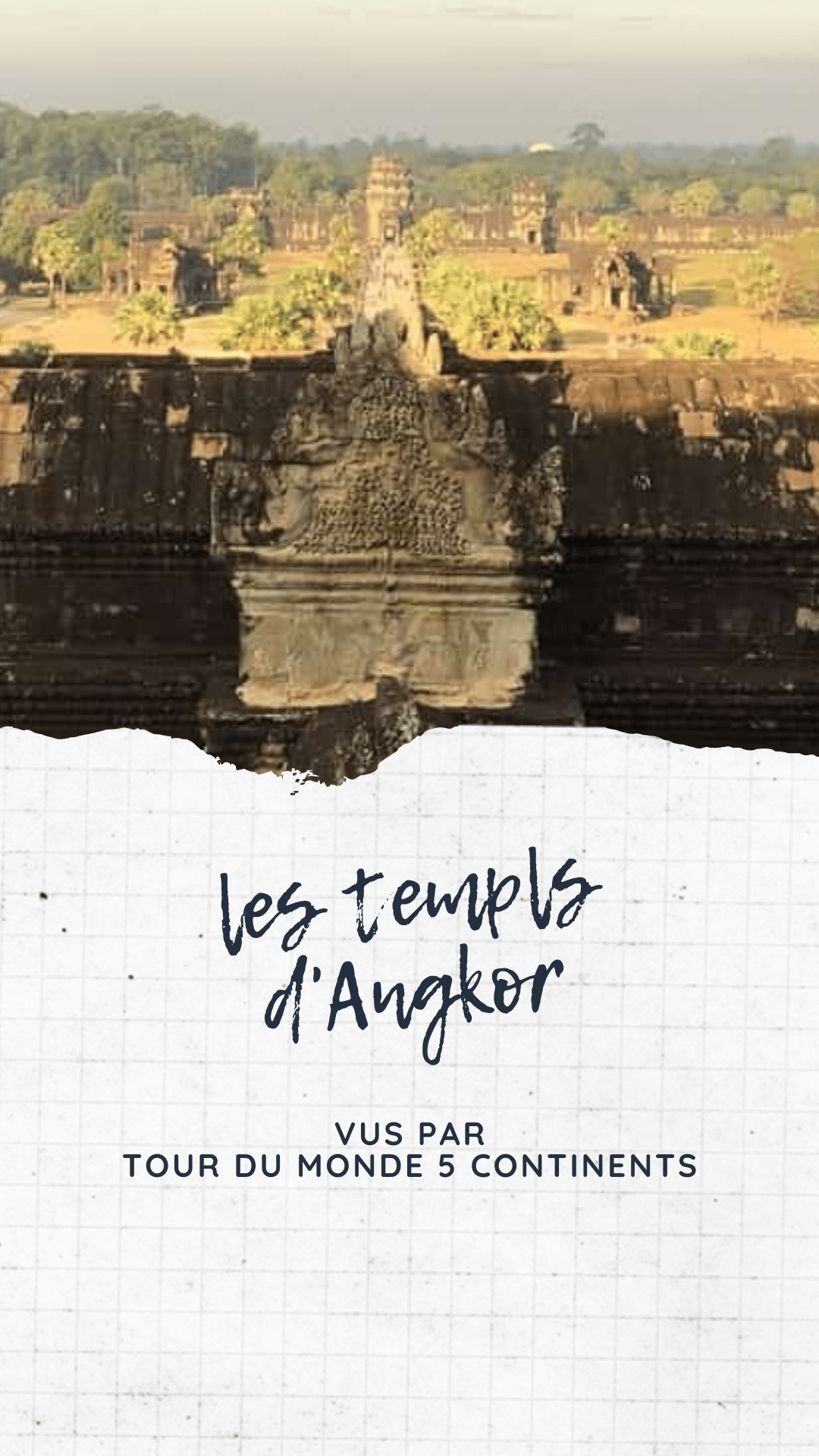
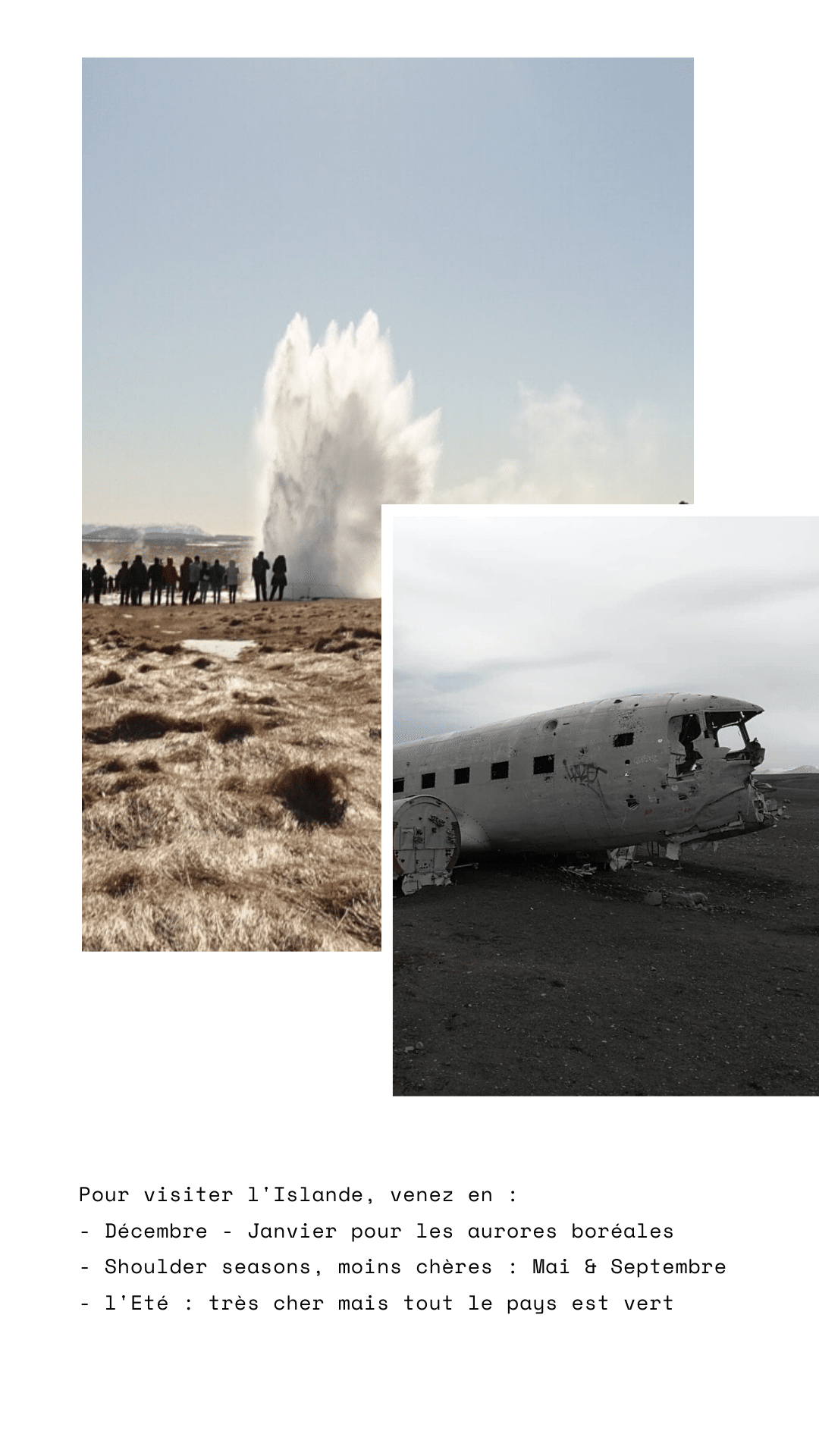
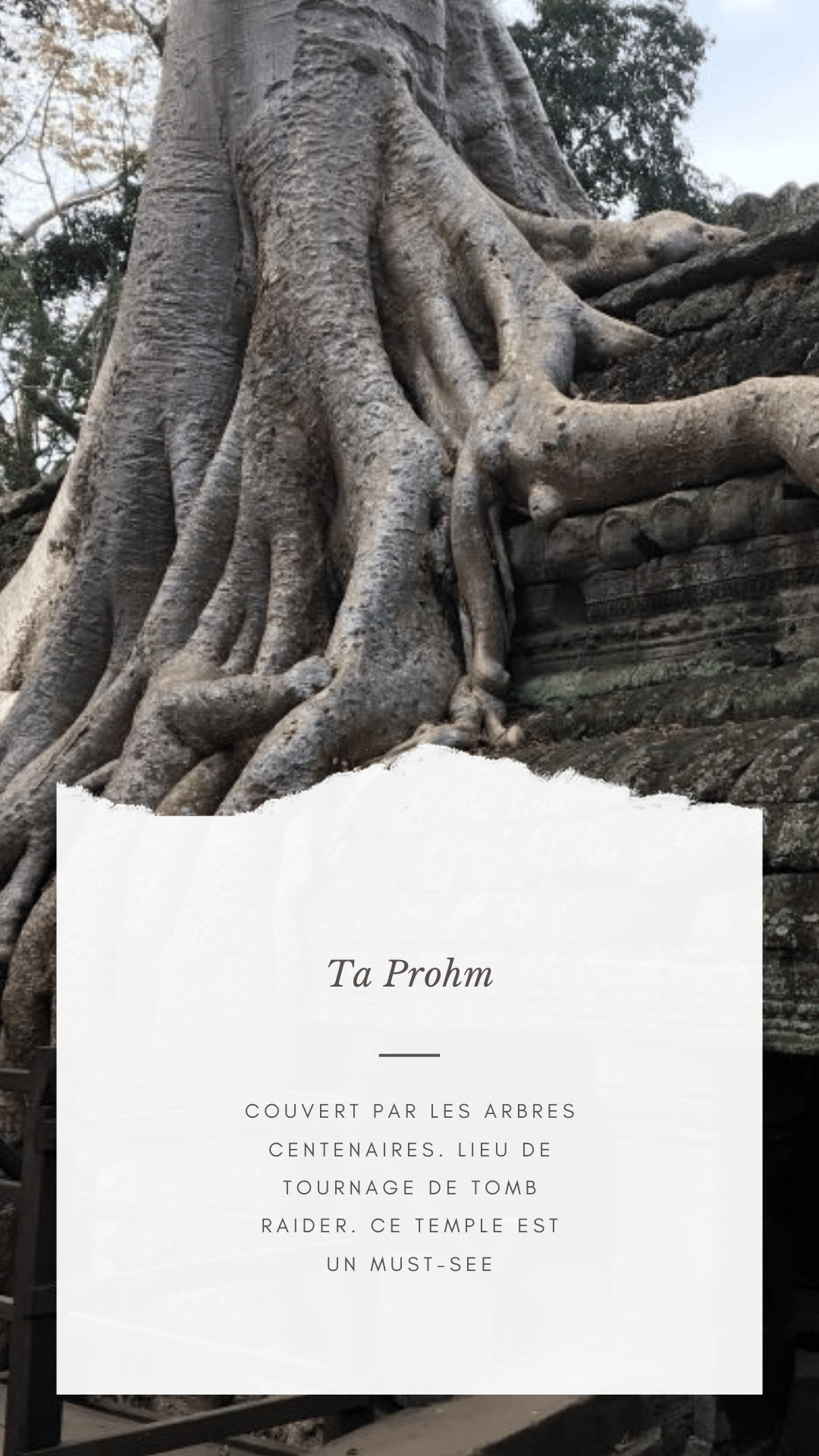
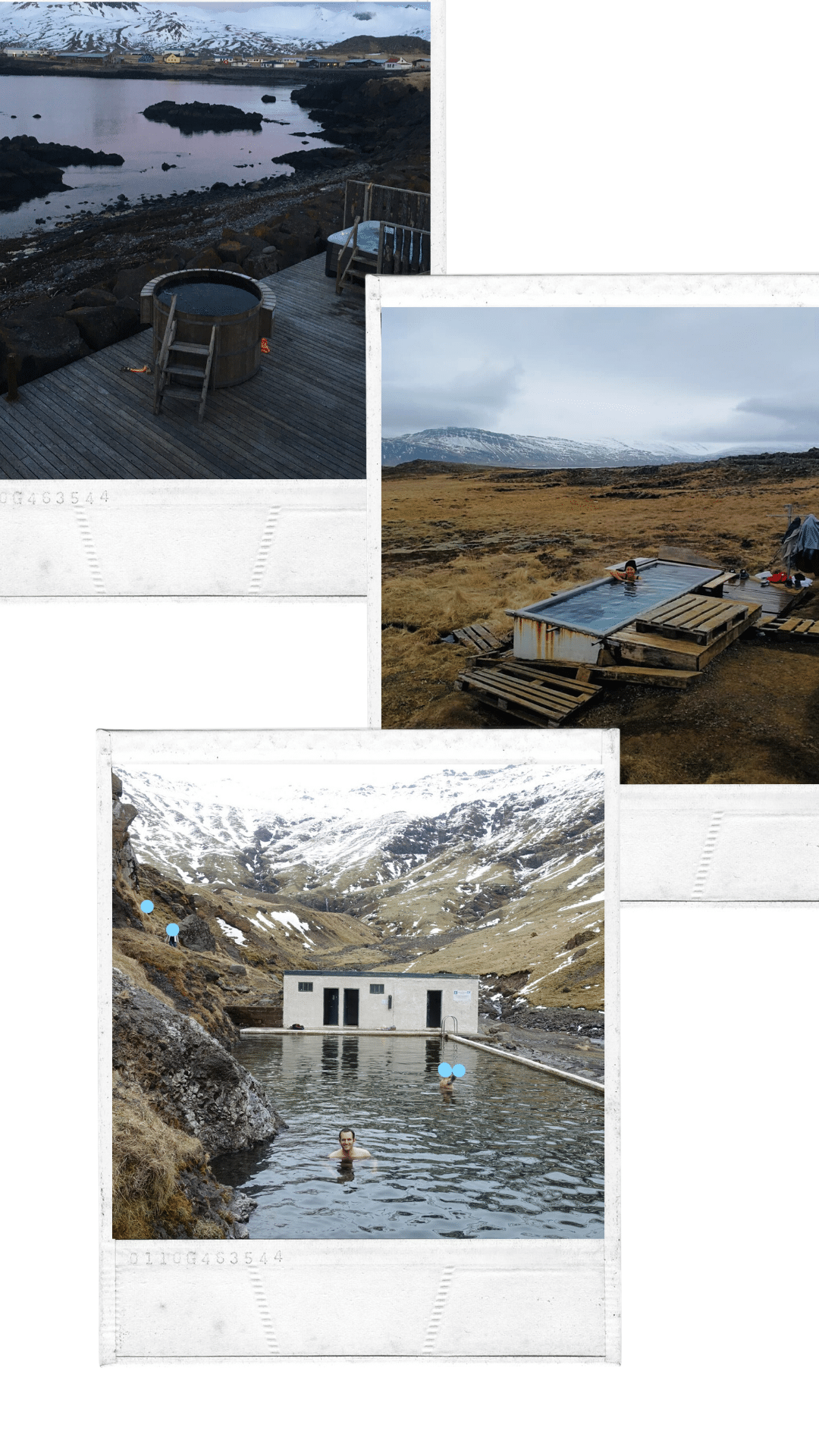
The images created can be downloaded in PNG or PDF.
If you want to register, click on my referral link, so we each earn 1 Canva credit.
Even if, to be honest, I never needed credit on this site, I have always used the free templates and it suits me very well.