

reMarkable 2 software update 2.10: Google Drive, Dropbox, and Connect subscription
Everyone suspected that version 2.10 would bring something amazing. It brought us a hot shower and a cold shower.
Google Drive & Dropbox
The hot shower was the integration of Google Drive and Dropbox. For several days, people were thrilled, congratulating themselves for having early adopter believed in the company
Everyone was so excited that nobody read the release notes to see where they could link their Google Drive / Dropbox accounts directly on the tabletThe answer is: you can’t.
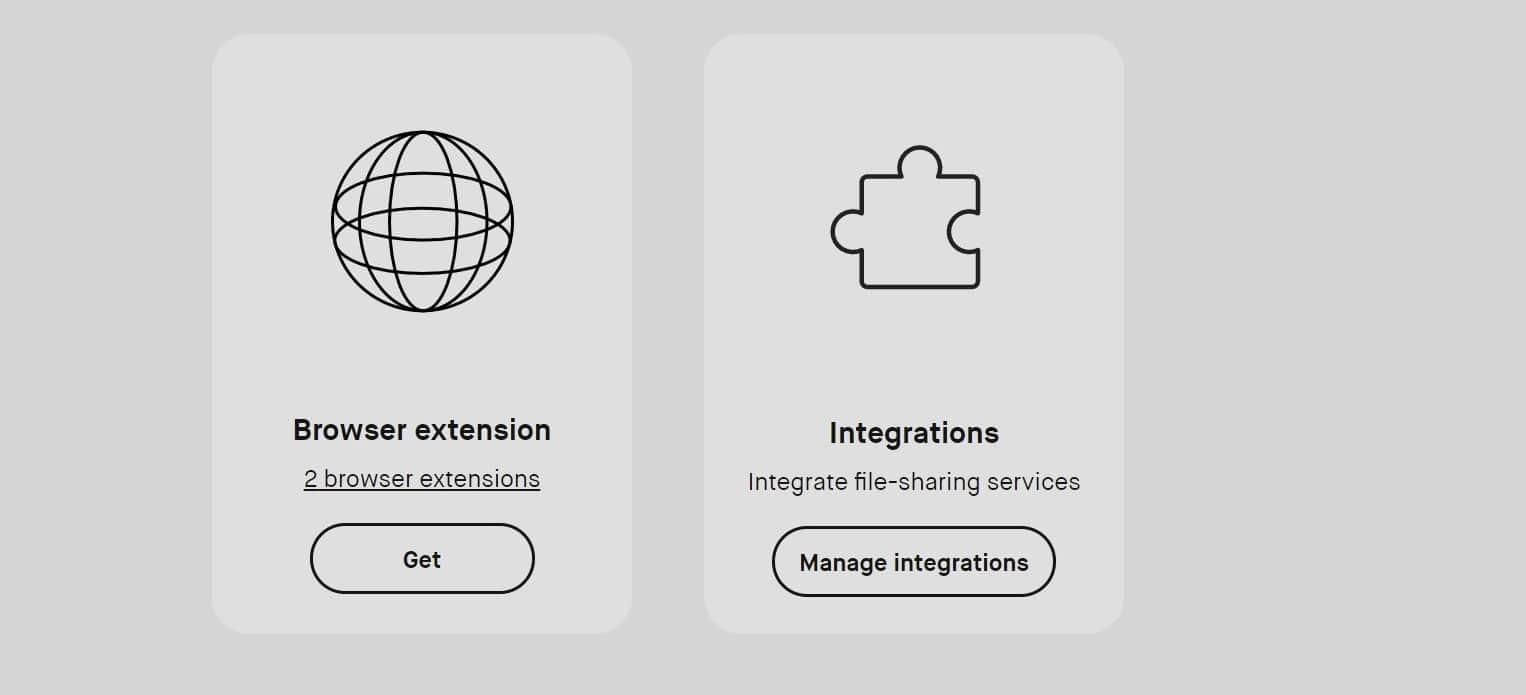
You have to do it on your PC/phone/tablet by going to my.remarkable.com
At the very bottom, you’ll see “manage integrations” and that’s where you can link your Drive or Dropbox account to your reMarkable account.
Click on +ADD, you’ll be asked for your Google password and to accept the link.
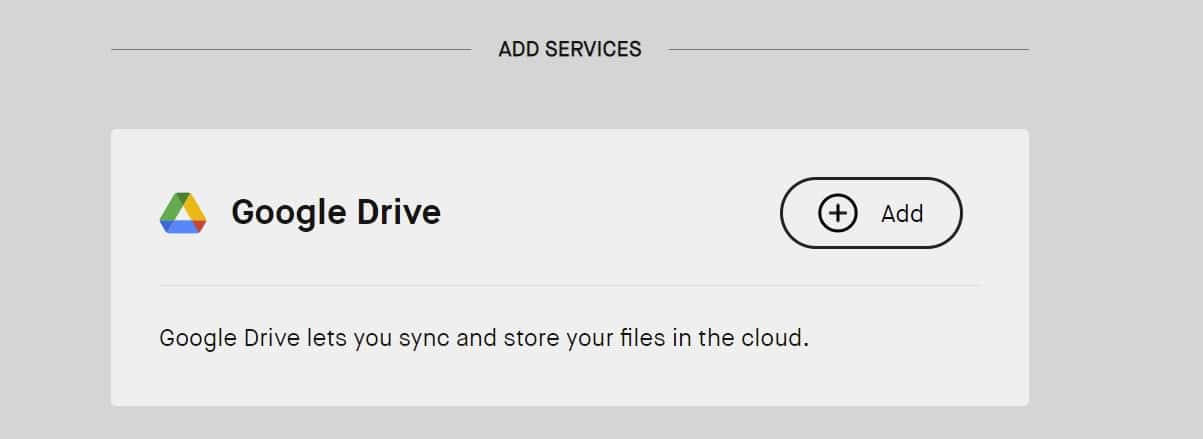
It will be really scary when the acceptance window pops up because it will say: you’re giving reMarkable the right to access/delete/modify your documents, etc.
Having worked with Google APIs for a long time, I can tell you that all Google API access permissions are scary anyway. I’ve created tons of scripts that send emails on my behalf, modify the content of my documents, delete, add, etc. If it’s done well and properly coded, there’s no problem. And if the worst happens, you know what, deleted documents will still be in your Google Drive trash, so you can easily recover them.
In this case, despite the permissions requested, reMarkable does not delete your documents.
Google Drive integration is still very basic:
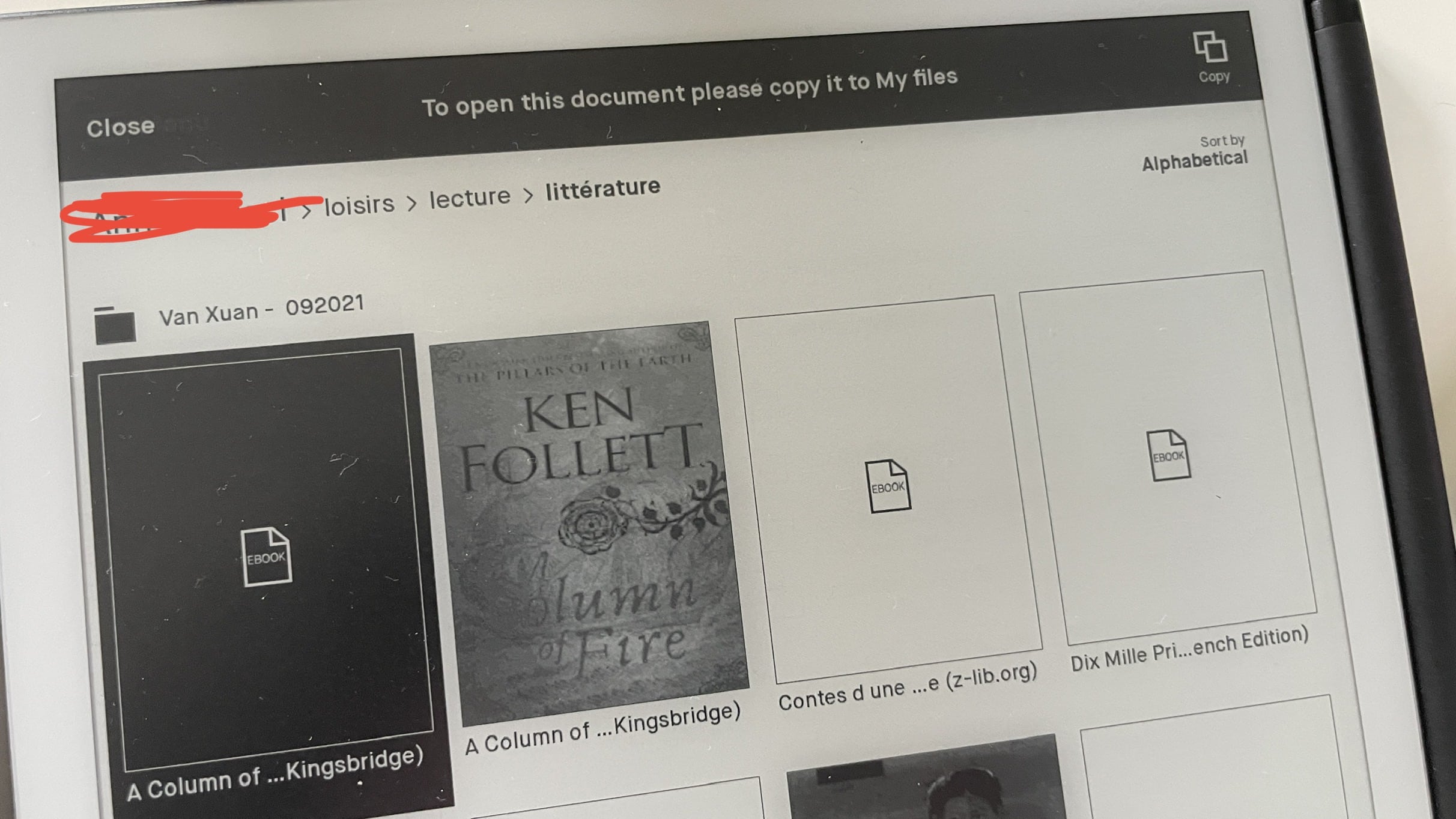
- it lets you download an epub or pdf document from Google Drive to the tablet
- it lets you upload a document (and automatically convert it to pdf) to Google Drive, creating a new file without deleting anything
- the uploaded file goes to the root of Google Drive, you can’t even choose the folder
- there’s no sync or versioning… you access Google Drive to fetch and re-upload files
So you’ll say: are they stupid? Ahahaha
Technically, it’s not that easy to sync with reMarkable. Each notebook you create generates a bunch of proprietary .rm or .lines files. If all these files were synced to Google Drive, you couldn’t open them anyway because they’re a proprietary format that only reMarkable can combine and read. I understand these technical limitations, but a really good developer could overcome them. Kobo, after some early failures, finally nailed Dropbox integration with full sync and everything (in pdf and proprietary formats), so reMarkable should take a page from them.
What would be really cool is to add the following extra features:
- allow reMarkable to access only one or more specific folders on Google Drive
- allow sharing notebooks between two reMarkable devices – sure, .rm and .lines can only be read by reMarkable, but exactly! Let multiple reMarkable devices read them at the same time!
- when uploading to Google Drive, let us choose the destination folder (that’s the bare minimum!)
- allow automatic conversion of other file types from Google Drive: png, svg, or docx => to pdf on reMarkable
- and of course, syncing, versioning, etc. etc.
In my opinion, it will come in a few months.
The main use I make of this integration is:
- to grab my epub books stored on Google Drive (I have a folder full of books. Even though I buy my books on Kindle, I always convert them to pdf or epub to keep them)
- once the book is read and annotated, I export it as pdf to Google Drive to keep a record of my annotations, and then I permanently delete the original file from the tablet
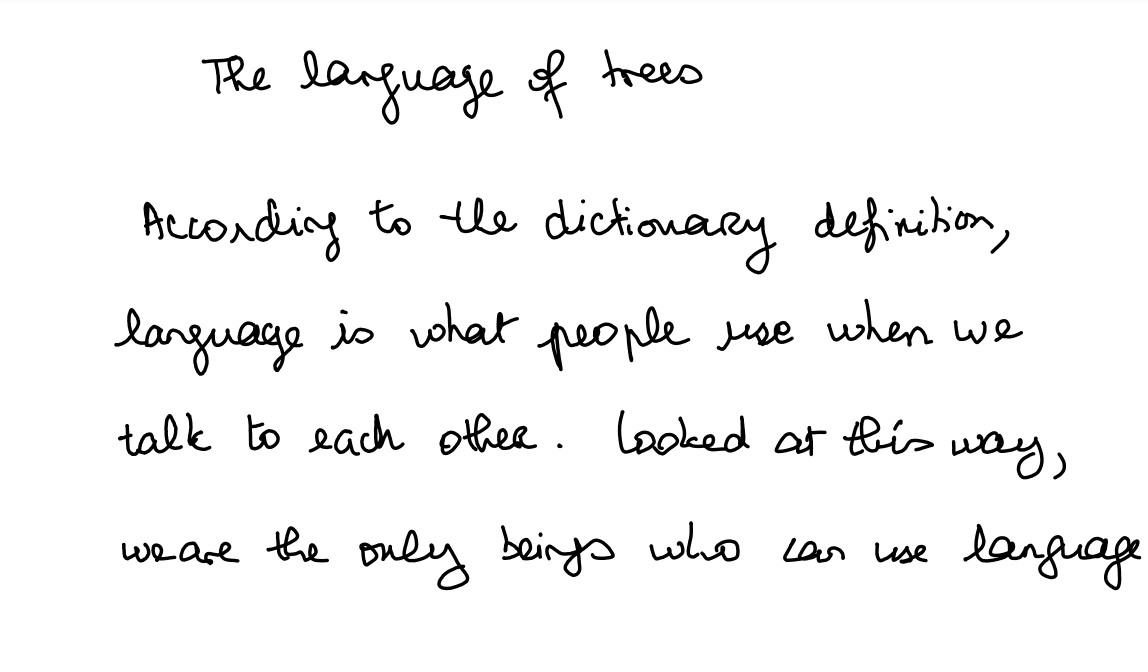
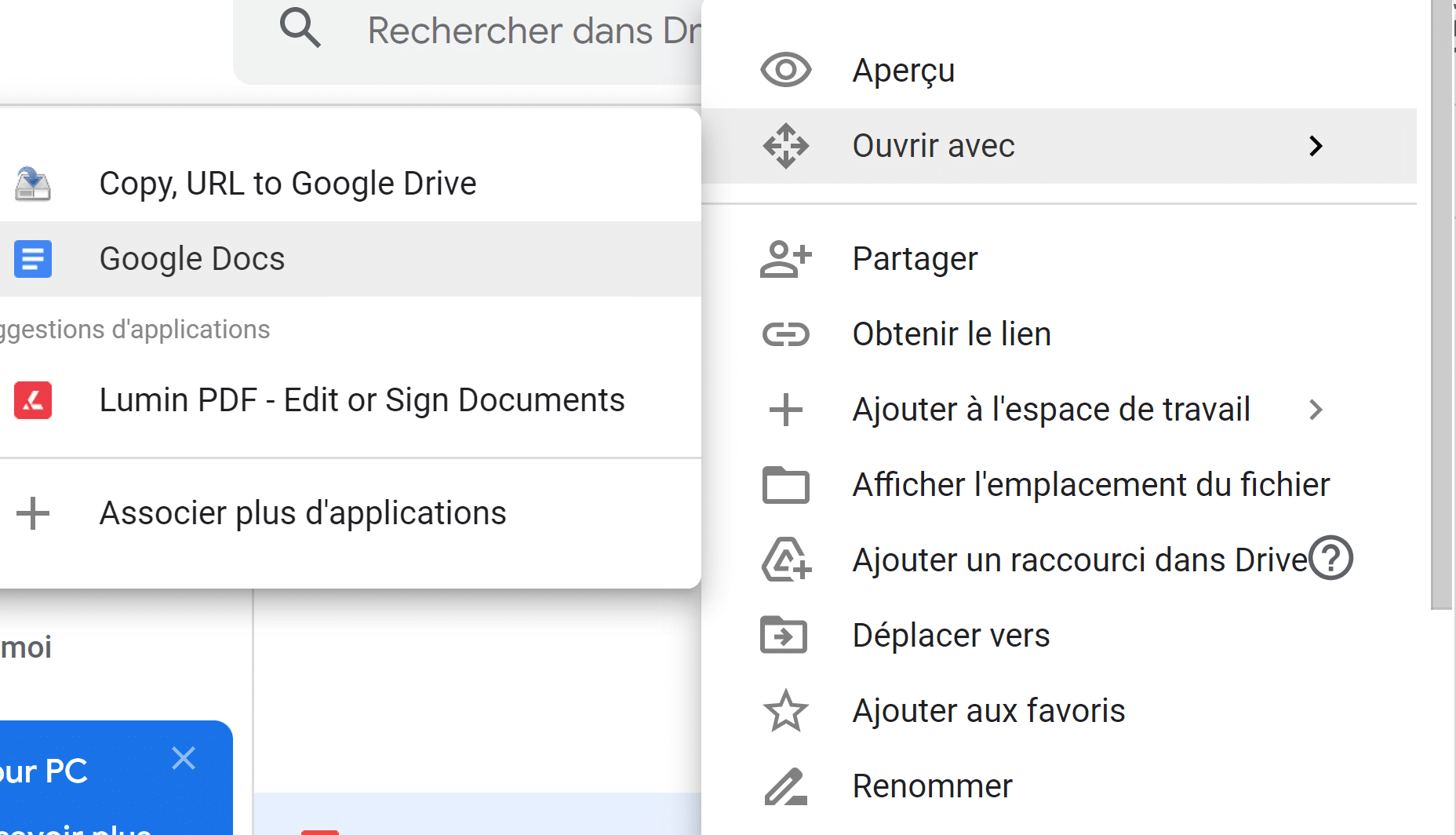
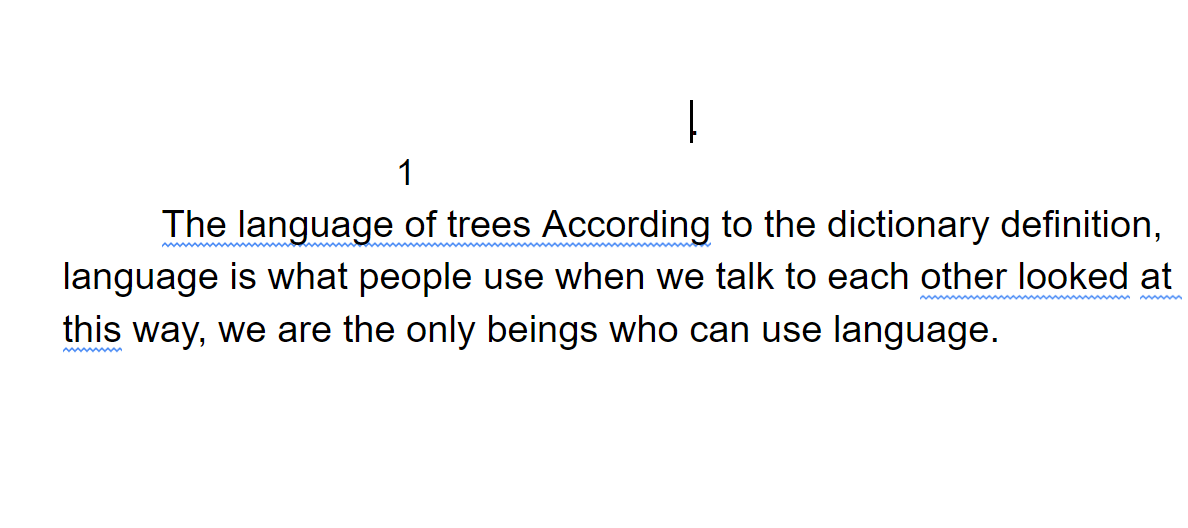
One user discovered a “hidden” feature (well, not that hidden if you dig around). When you upload the file to Google Drive, it becomes a pdf file. Then all you have to do is right-click => open with Google Docs and the handwriting will be converted automatically by Google. I tested it for French and it didn’t work very well. But for English, it’s almost perfect! The only issue is the layout. Of course, reMarkable’s built-in feature works better because it preserves the layout better and supports foreign languages better.
To learn more, feel free to download the reMarkable 2 user manual in French, translated by Google Translate and annotated by me here. I update it with every update.
Connect
After the initial excitement, a few weeks later, 2.10 got another update. Everyone discovered the subscription to use features that had been rolled out between updates 2.3 and 2.10. Suddenly, to use some existing features, you hit this screen, which rushes you off to check your subscription on my.remarkable.com.
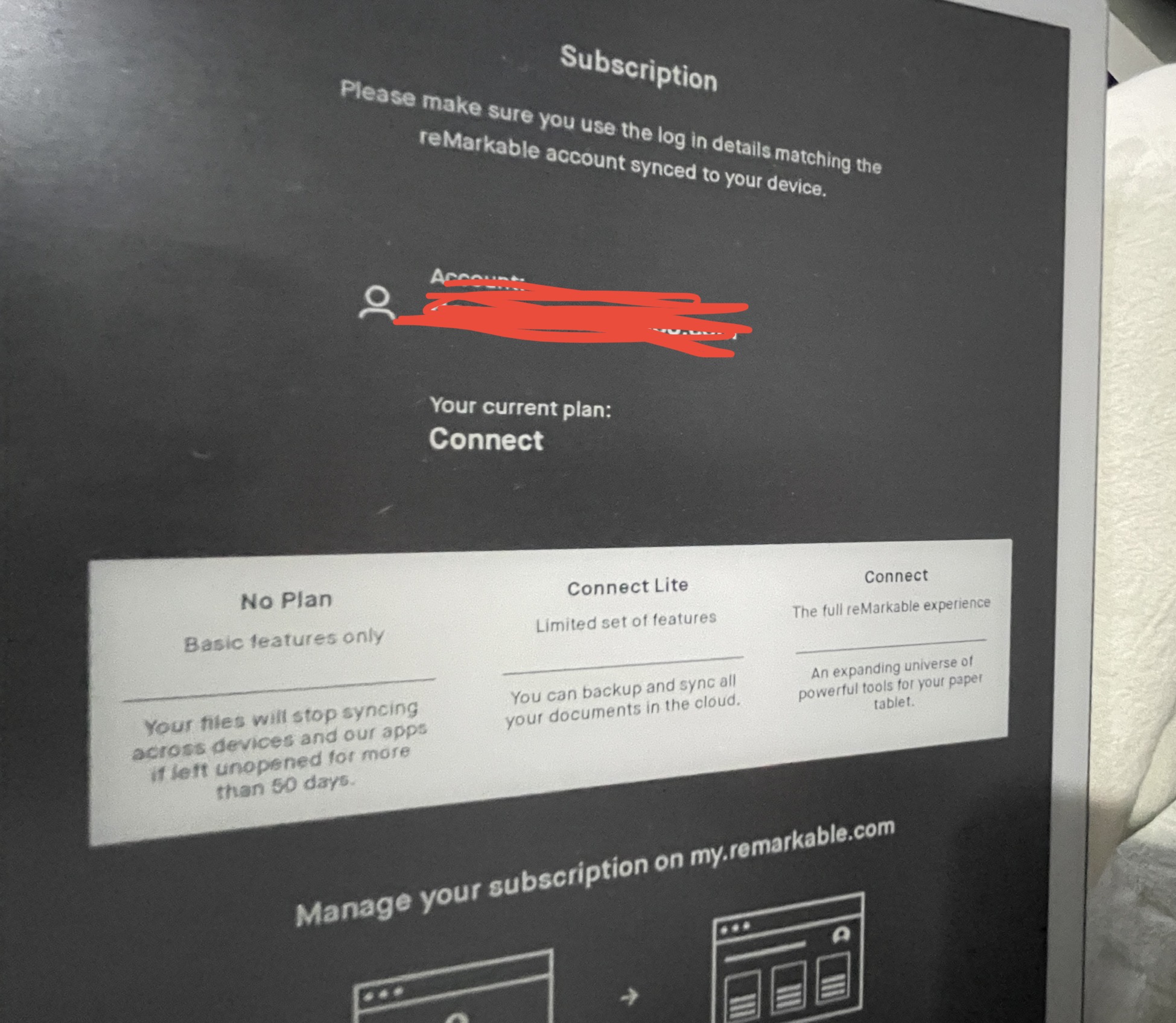
I’ve introduced this subscription here , and and there, but today, I’ll talk about it in more detail.
A year ago, My Deep Guide, in one of his videos, alerted the community to a paragraph in reMarkable’s Terms & Conditions mentioning something like “we might implement a cloud subscription.” Of course, nobody read the Terms & Conditions, too excited to get the tablet. Following My Deep Guide’s alert, everyone thought “ok ok, so what”?
Then, on reddit, someone posted a screenshot similar to the one above. In my opinion, it’s a move by the brand – because no one, absolutely no one, stumbled upon that screen by accident. It’s possible that reMarkable leaked this rumor to make people less shocked. The rumor spread like wildfire, enraging some, disappointing others. That’s when several people remembered My Deep Guide’s alert, thinking “he warned us!”. reMarkable responded via a private message to an angry customer: “existing customers won’t have to pay for the subscription; they’ll automatically get the highest tier.”
On September 25, despite announcements of delayed deliveries (23 business days), I told JB that he absolutely had to buy his tablet right away, before the subscription kicked in.
On October 12, without any announcement, all reMarkables switched to “check your Connect plan” mode as soon as you used an “advanced” feature. With no communication whatsoever – no email, no SMS, no carrier pigeon – consumers learned only through their tablet that they had to go to my.remarkable.com to activate their subscription to access advanced features. Early buyers discovered with relief that their access to Connect was indeed free. Those who ordered before October 12 but hadn’t received their tablet got an email urging them to create a free Connect account before October 19. JB slipped through the cracks, he too got a free Connect account.
We thus discovered:
- that the Connect account is tied to the email used for the reMarkable account, not to the tablet. So, without prior notice from reMarkable, nobody had time to create my remarkable accounts before October 12
- some created multiple my reMarkable accounts for one reason or another, and suddenly they had two accounts with free Connect
- the tablet is now cheaper (well, when you sell a subscription alongside, you have to lower the tablet price), so those looking to resell their tablet will also sell it for less, unless they also hand over their reMarkable account (linked to their email) to the buyers
- those who registered their reMarkable account with their work email are freaking out, because if they leave the company, they’ll lose their free subscription. So there’s a sort of exodus from work emails to personal emails. To do this, you just need to contact reMarkable support
All this, in chaos.
Meanwhile, the tablet drops from €400 to €300 (if you take 3 months of Connect, i.e., €24).
The Marker Plus goes from €99 to €129 (but it’ll be €99 if you also take 3 months of Connect)
The community is furious:
- no one received an email; they learned the news via their tablet. And the tablet didn’t reassure them either, saying “for you, it’s free”
- the features that became paid are basic features that we had before the subscription was implemented. In my opinion, their timing is bad. They should have offered Google Drive + Dropbox + Connect at the same time! That would have added value to this subscription: look, it’s free for you, plus we’ve added Google Drive and Dropbox as a bonus.
- the timing is even worse because we’re approaching the end-of-year period, when thousands of people plan to gift reMarkables to their loved ones. Now, with the subscription system, it becomes ultra complicated. I’ll gift you the tablet, but I took 3 months of subscription to pay less, but you have to sign up here, then cancel the subscription because I’m not going to pay for it for life. Way too complicated!
- it’s now very hard to sell these tablets to universities or companies, as this subscription system is too complex to implement on a large scale
Having supported the reMarkable 2 for almost a year and having turned a blind eye to quite a few of their blunders, this time, I’m upset too. The lack of communication, the bad timing, and especially the fact that they included absolutely no new features for Connect really disappoints me.
Then, once the anger passed, I realized… actually, I hardly use those advanced features hahaha What I love about reMarkable is its minimalism, and all I want is a digital notepad with a pleasant writing experience where I can store thousands of my meeting notes. And an e-ink screen to read my books without straining my eyes. As of now (November 3), many users aren’t even aware of the new subscription. Because if they never use “advanced” features, there’s simply no alert.
A few days later, someone shares on Reddit the financial results of reMarkable 2 (in Norway, everything is public, even each person’s income) saying they’re profitable, but barely. Other discussions follow explaining that:
- the monthly subscription has been part of the business plan from the start (cf. the terms & conditions)
- there are many features that don’t necessarily need access to reMarkable’s cloud (send by email, screen share…), but they still integrated cloud usage into these features, because it’s part of their business plan
- without a subscription, it’s borderline Ponzi mode, i.e., using money from reMarkable 3 pre-sales (which isn’t planned at the moment) to fund current development costs, which isn’t healthy
- other e-ink Android tablets get a cut of app sales, or Kindle and Kobo sell their e-readers cheaply to encourage book purchases, so they all generate passive income, whereas reMarkable has no third-party apps, so once the tablet is sold, they get nothing more.
However, a company must be flexible. After the tablet’s release, they should have seen that we were very gadget-oriented and ultra ready to pay for stuff like:
- new templates
- annual planners, monthly planners
- new pens, new colors
These are small things that could have generated passive income.
And if they were dead set on their subscription, My Deep Guide suggests plenty of other features to make the subscription more attractive.
I’ve watched tons of videos and read articles to find another tablet to recommend to readers, but I always come to the same conclusion:
- no tablet has that minimalist side of reMarkable, which I appreciate. When I look at other tablets’ interfaces, I’m shocked because there are too many buttons, it’s super distracting!
- no tablet offers reMarkable’s paper feel because they’re all made for annotating documents, not for writing! That’s the main difference between reMarkable and the others
In short, I’m very interested in reMarkable’s future. It’s the first company to offer this type of subscription. We’ll see if it ensures a sustainable future.
For those still hesitating to buy, know that if the company ever goes under, your reMarkable will still work. You can still add/export files via a USB cable, don’t be afraid!

